
- ✓Peacock's 'The Five-Star Weekend,' based on Elin Hilderbrand's novel, premiered July 9 with Jennifer Garner as cookbook author Hollis Shaw
- ✓A working cookbook author or food blogger shoots hundreds of frames per dish across multiple angles, lighting setups, and plating attempts
- ✓The unglamorous part of that job is the same one every food photographer eventually has to solve: culling, editing, and compressing a shoot without wrecking the color and texture that sold the dish
- ✓The Nantucket setting is already driving a wave of location and 'vacation cookbook' style photos from fans and food accounts recreating the aesthetic
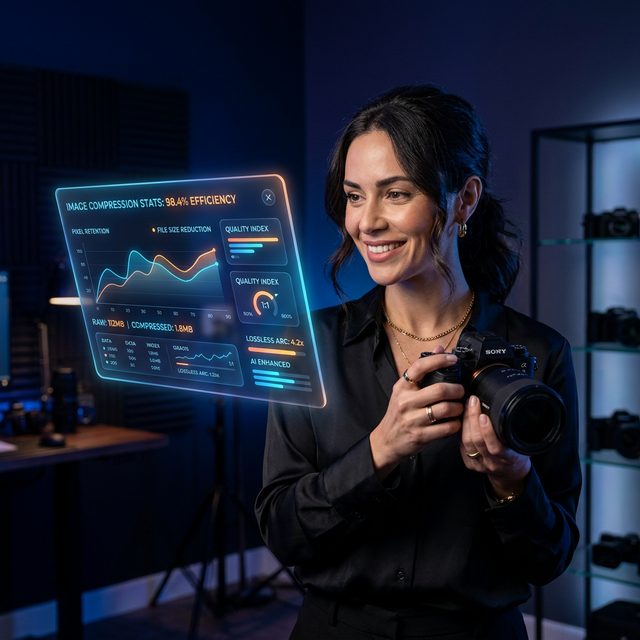
Peacock's "The Five-Star Weekend" premiered its full season on July 9, and Jennifer Garner's character, Hollis Shaw, is written as a celebrated cookbook author whose career unravels right alongside her personal life after her husband's death. The show, adapted from Elin Hilderbrand's novel and set on Nantucket, doesn't dwell on Hollis's actual day job much — but casting a cookbook author as the lead is a more accurate detail than it probably registers as, because that job is one of the most photo-intensive creative careers that exists, and almost none of the labor behind it is visible in the finished book.
What a Cookbook Author's Camera Roll Actually Looks Like
A single recipe photo that ends up on one page of a finished cookbook usually represents somewhere between 50 and 150 shot frames: different angles, different natural-light conditions across a shoot day, multiple plating attempts as the food cools and changes texture, and a handful of "hero" shots meant to anchor the page layout. Food styling changes fast — a garnish wilts, condensation forms, steam stops rising — so photographers shoot in bursts through the narrow window when a dish looks its absolute best, exactly the way a wedding or sports photographer works a narrow window of their own.
That means a cookbook author working through 80-100 recipes for a single book isn't taking a few thousand photos. It's closer to tens of thousands, almost all of which never make it past a first culling pass.
The Part the Show Skips: Editing a Shoot Without Wrecking the Food
Food photography lives and dies on color accuracy and texture in a way portrait photography doesn't — a sauce that reads as rich and glossy at full resolution can turn flat and muddy the moment it's compressed too aggressively, because compression artifacts hit exactly the smooth gradient areas (sauces, cream, cheese pulls) hardest. A cookbook author or food blogger publishing recipes online, not in print, is running a constant balancing act: files light enough to load fast on a recipe blog, still clean enough that the dish looks like something worth cooking.
That's a real, well-documented workflow problem in food blogging specifically. Recipe sites live and die on page speed because Google's Core Web Vitals directly affect whether a recipe ranks at all — and a page loaded with six or seven full-resolution hero shots per recipe is exactly the kind of page that fails those checks.
The Nantucket Effect: Why Location Matters as Much as the Plate
Hilderbrand's novels, and now this adaptation, sell partly on the Nantucket setting itself — the show is already generating its own wave of "recreate this vacation" content from fans posting harbor shots, weathered-shingle house exteriors, and beach-at-golden-hour photos tagged against the series. That's a second, parallel photography category running alongside the cookbook angle: travel and lifestyle photography, which has its own version of the same compression problem. A phone photo of a sunset over Nantucket Harbor, shot at 48MP because that's just what the default camera setting is, produces a file that's wildly oversized for anything except printing a poster.
The instinct for most people posting a vacation photo is to upload straight from the camera roll without touching file size at all, because a beach photo doesn't feel like it needs the same technical care a food photo does. It does. A crisp, well-exposed water horizon compresses just as poorly as a glossy sauce if you push the quality setting too low — banding shows up in skies and water the same way blocking shows up in cream sauces, because both are large areas of smooth gradient that compression algorithms struggle with at aggressive settings.
A Practical Food-Photography Compression Workflow
For anyone shooting food seriously — cookbook work, a recipe blog, or just documenting a big cooking weekend the way Hollis and her friends do on-screen:
- Shoot in bursts through the plating window, then cull to 2-3 frames per dish before you even open an editor. Don't carry 40 near-duplicates into your edit pass.
- Edit color and exposure at full resolution first. Compression should always be the last step, applied to a finished edit, never something you do before you're done adjusting the shot.
- Export at the resolution your platform actually displays, not your camera's native size. A recipe blog rendering images at 1200px wide gains nothing from a 6000px source file except load time.
- Use a format that handles gradients well. JPEG at quality 82-88 or WebP holds up better on sauces and glazes than aggressive low-quality JPEG, which produces visible blocking exactly where the food looks richest.
- Batch-process the whole shoot at once rather than exporting recipe by recipe — consistency across a full gallery or cookbook chapter matters as much as any single photo.
Between the show's Nantucket setting driving its own wave of "vacation cookbook" location photos and the food styling on screen, this is a good week to actually clean up a backlog of food shoot photos sitting unedited on a phone or hard drive. Optimage batch-compresses a full shoot at once without touching the color work you already did, free.
Related reading:
- Compress Images Without Losing Quality — the core settings that protect gradients and texture
- Why Your LCP Is Failing (and How to Fix It) — the page-speed math behind recipe blog rankings
- WebP vs. AVIF: The Complete Guide for US Websites — choosing the right format for photo-heavy pages
Continue reading
Try Optimage — it's free
Compress, convert, and optimize images in seconds. No sign-up, no limits.
Start Optimizing Free